How to Sell Digital Planners on Etsy in 2026: The Evergreen Profit Guide
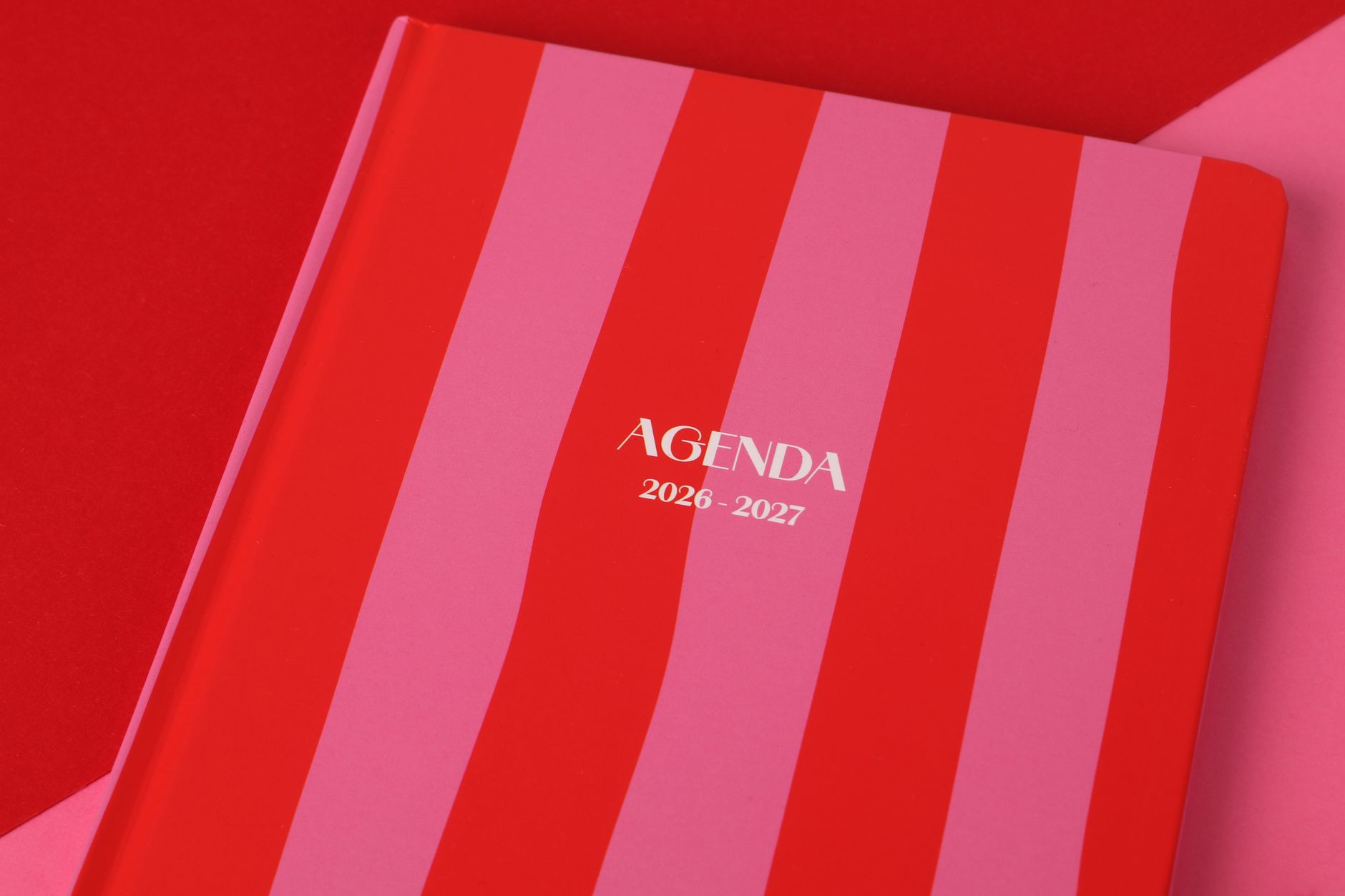
The back-to-school shopping surge is hitting different this year. As September 2026 kicks off, Etsy search data shows a massive spike in “academic planner 2026-2027” queries—up 34% from last August—while generic “planner” searches remain flat. Buyers aren’t just looking for pretty PDFs anymore; they want specialized organizational systems that sync with their hybrid work lives.
If you’ve been looking for a creative outlet that generates genuine passive income, learning how to sell digital planners on Etsy represents one of the lowest-barrier entries into the digital product space. Unlike physical inventory that requires shipping logistics and upfront capital, digital planners offer infinite scalability. You create the file once, and whether ten people or ten thousand people buy it, your workload stays the same.
But here’s the reality check: the market has matured. The days of slapping together a basic to-do list in Canva and watching the sales roll in are over. Success in 2026 requires niche specificity, technical understanding of hyperlinked PDF formats, and a strategic approach to Etsy’s evolving algorithm. This guide walks you through exactly how to build a planner shop that stands out.
Why Digital Planners Remain a Goldmine in 2026
The digital planning market has quietly exploded into a $1.2 billion industry, driven by the mainstream adoption of tablet-based note-taking. With the release of the iPad Pro M4 and reMarkable Paper Pro earlier this year, more professionals and students are transitioning from paper to pixels—but they still crave the tactile satisfaction of “writing” in a planner.
The economics are compelling. Your startup costs sit under $50 (mostly for design software and maybe a stylus), while successful shops report profit margins between 85-95%. Compare that to print-on-demand, where you’re lucky to clear 30% after production and shipping costs.
What makes 2026 particularly interesting is the shift toward “functional decoration.” Buyers want planners that work with apps like GoodNotes 6, Notability, and Samsung Notes, but they also demand aesthetic customization. The most successful sellers aren’t just selling calendars; they’re selling productivity systems disguised as digital stationery.
Choosing Your Profitable Niche (Beyond Basic To-Do Lists)
Generic daily planners are saturated. The real money lies in solving specific organizational pain points for defined audiences. When you sell digital planners on Etsy today, specificity is your competitive advantage.
High-potential niches for late 2026 include:
- ADHD-friendly planners: Featuring dopamine-friendly color coding, body doubling check-ins, and hyperfocus timers
- Wedding content creators: Specifically for influencers managing brand partnerships and content calendars
- Travel nurses: Rotating shift schedules, license renewal trackers, and housing stipend calculators
- Homeschool hybrid planners: Combining curriculum mapping with household management for remote-learning families
- Bookkeeping for Etsy sellers: Ironic but profitable—planners that help digital product sellers track their own income and expenses
Research these niches by typing root keywords into Etsy’s search bar and noting the autocomplete suggestions. Look for phrases with high search volume but fewer than 5,000 competing listings. Tools like eRank or Alura can validate demand, but don’t ignore the “shoppers also searched” section at the bottom of Etsy pages—that’s where you’ll find underserved micro-niches.
Creating Your First Digital Planner: Tools and Technical Specs
You don’t need a graphic design degree, but you do need the right software stack. Most successful sellers use a combination of these tools:
Design phase: Canva Pro remains the industry standard for beginners ($12.99/month), but Affinity Publisher 2 ($69.99 one-time) offers superior hyperlinking capabilities for complex planners. For iPad-specific designs, Procreate ($12.99) allows for hand-drawn elements that feel personal and premium.
Hyperlinking: This is non-negotiable in 2026. Buyers expect clickable tabs that jump between months, weeks, and daily pages. If you’re using Canva, you’ll need to export as a PDF Standard (not PDF Print) to preserve links. For advanced sellers, Keynote (free on Mac) actually creates the smoothest hyperlinking experience for GoodNotes users.
File specifications that sell:
- Size: Design for 11” x 8.5” (landscape) or 8.5” x 11” (portrait) to match standard tablet screens
- Resolution: 300 DPI minimum for crisp text
- Format: Deliver both a hyperlinked PDF and individual PNG files for users who prefer importing pages manually
- Bonus: Include a GoodNotes-optimized file (.goodnotes format) as a premium listing upgrade—this alone can justify a $5-8 price increase
Pro tip: Create a “lite” version with 3-5 sample pages as a free download. Use this as a lead magnet to build an email list, then convert those subscribers into buyers of your full $12-25 premium planners.
Optimizing Your Etsy Shop for Maximum Visibility
Etsy’s algorithm in 2026 prioritizes listings that convert browsers into buyers quickly. This means your SEO strategy must balance keyword optimization with compelling visuals.
Title formula: Start with your primary keyword, add the specific year/format, then the niche. Example: “Digital Planner 2026-2027, Hyperlinked GoodNotes Planner for iPad, ADHD Daily Organizer, Dated Academic Planner.”
Tag strategy: Use all 13 tags, mixing broad and specific terms:
- Broad: digital planner, iPad planner, GoodNotes template
- Specific: 2026 dated planner, hyperlinked PDF, dark mode planner
- Long-tail: digital planner for nurses, minimalist weekly planner
Photography matters more than you think. Since buyers can’t physically touch your product, your listing images must demonstrate the user experience:
- Hero shot: iPad mockup showing the planner in use with an Apple Pencil
- Interior flip-through: GIF or video showing the hyperlink navigation
- Feature callouts: Close-ups of habit trackers, note pages, and sticker sheets
- Compatibility chart: Clear graphic showing which apps work with your files
- Review social proof: Screenshot of positive customer feedback
Price your planners between $8-28 depending on complexity. Undated planners sell year-round but command lower prices ($8-15), while dated academic or yearly planners can charge premium rates ($18-28) during peak seasons.
Scaling Beyond Your First Sale
Once you’ve made your first few sales, the real business building begins. The most successful sellers treat their planner shop as a product line, not a one-off listing.
Create a product ecosystem: Offer matching digital stickers ($3-5), insert packs ($6-8), and bundle deals. A customer who buys a $20 planner will often add $10 worth of accessories if presented at checkout.
Seasonal planning: Start designing your 2027 dated planners by October 2026. Etsy shoppers begin searching for next year’s planners in November, and early birds capture the organized buyers who plan ahead. Similarly, launch “New Year, New You” fitness and budget planners in late December to catch the resolution crowd.
Handle customer service proactively: The biggest complaint in digital planner reviews involves technical difficulties with hyperlinks or file imports. Create a comprehensive PDF instruction guide with screenshots showing exactly how to import into GoodNotes, Notability, and Xodo. Include this with every purchase to reduce refund requests and negative reviews.
Track your metrics: Successful shops maintain a 3-5% conversion rate. If you’re getting views but no sales, your mockups need work. If you’re getting favorites but no purchases, your price point might be misaligned with your niche’s expectations.
Conclusion
Learning how to sell digital planners on Etsy offers a legitimate path to passive income, but only if you approach it as a real business rather than a get-rich-quick scheme. The barrier to entry is low, which means your success depends on niche selection, technical quality, and understanding the specific needs of tablet-based productivity enthusiasts.
Start small. Choose one underserved niche—perhaps planners for graduate students or meal prep organizers for shift workers—and create the best possible product for that audience. Price it fairly, optimize your listings with specific keywords, and deliver exceptional value through hyperlinked functionality and beautiful design.
The beauty of this side hustle lies in its compound nature. Every planner you create becomes a permanent asset in your shop, capable of generating sales while you sleep. As we head into the final quarter of 2026, the demand for organizational tools only intensifies. Your first listing could be live by this weekend, and your first sale could fund your next design. Open Canva, pick your niche, and start building your digital planner empire today.